
THE WORKSTATION / IN PICTURES

Step inside the
trading workspace.

Actual application screenshots from the supplied build. Screens may contain demonstration or sample values; no displayed figure is a verified trading outcome.
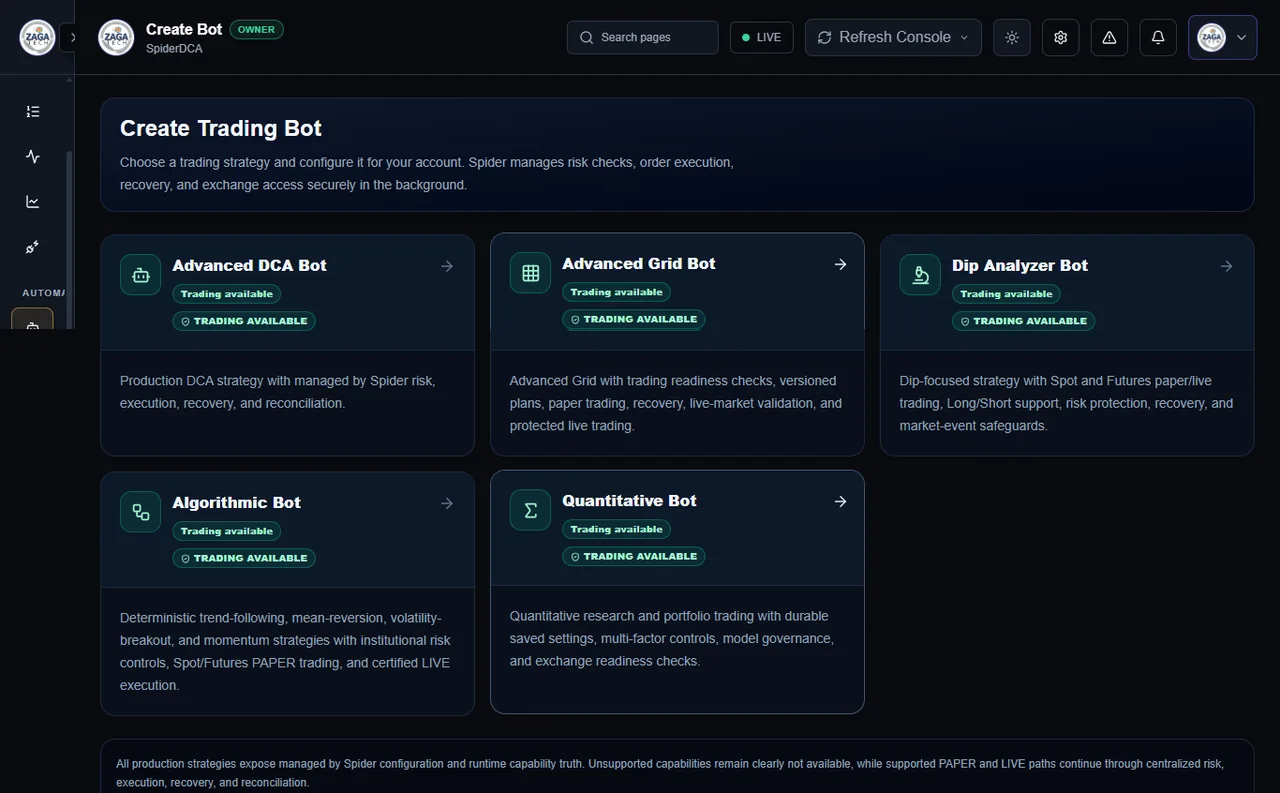
Real Spider five-strategy chooser
GALLERY

Explore the interface.

Select a screenshot to enlarge. All images come from the uploaded Spider application screenshot collection.

VIDEO WALKTHROUGHS

Prefer watching?

Open the product demonstration playlist supplied by the owner. Availability and content of external videos must be verified before launch.

Watch demos on YouTube

See how Spider fits your workflow.

Explore licensing Contact sales

Privacy preferences

Essential session security may be used for the contact form. No third-party analytics or advertising scripts are installed. Optional analytics is unavailable until a provider is configured and consent support is reviewed.

Essential form security Always on
Optional analytics Not configured